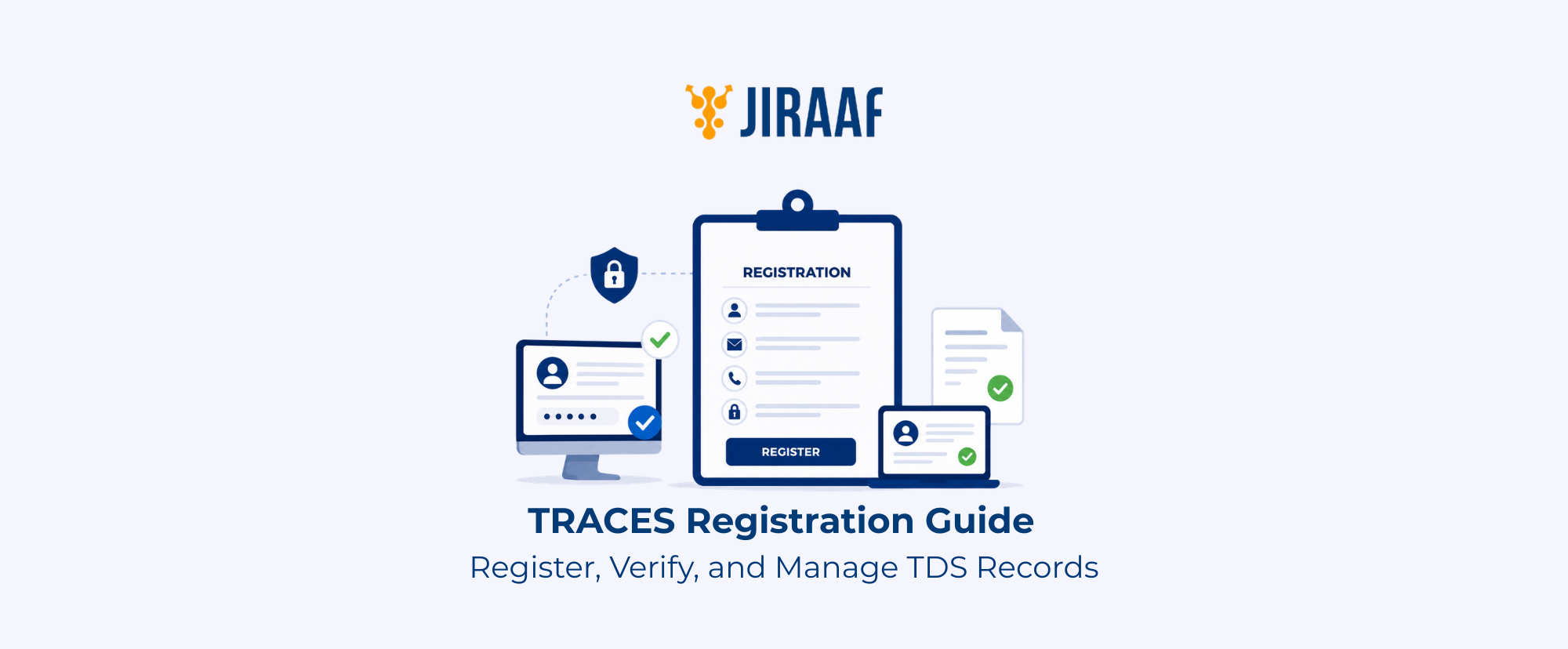
Summary: TDS Reconciliation Analysis and Correction Enabling System (TRACES) is the Income Tax Department’s online portal for managing and verifying TDS-related records and services. This guide explains TRACES registration, login, document downloads, and TDS verification before filing your income tax return.
Quick Overview
- TRACES supports a range of TDS-related activities, including certificate downloads, challan verification, statement requests, and correction requests
- Taxpayers and deductors can register and log in using their respective credentials to access services relevant to their role
- TRACES works alongside the Income Tax e-Filing portal, Form 26AS, and AIS to help verify tax credits and reconcile tax records
- Eligible users can download TDS certificates, challans, and TDS statements based on their account type
When it comes to tax compliance, accessing the right documents at the right time can make filing your income tax return much easier. Whether you’re trying to verify your TDS credits, download a TDS certificate, or submit a correction request, the TRACES portal brings these services together.
But if you’re using it for the first time, figuring out the registration and login process can be overwhelming. This guide walks you through TRACES registration, User ID creation, PAN login, and the portal’s key TDS services.
What is TDS TRACES?
TDS TRACES stands for TDS Reconciliation Analysis and Correction Enabling System. The Income Tax Department of India built this online portal to offer Tax Deducted at Source (TDS) and Tax Collected at Source (TCS) related services to taxpayers, deductors, and authorized users.
The portal allows you to verify TDS records, download documents, and resolve discrepancies. It is the official platform that allows you to check the TDS deducted from your income, such as salary, interest, rent, or any other investment earnings.
You can visit TRACES directly at tdscpc.gov.in.
TRACES is used by:
- Taxpayers (deductees): Individuals whose income has been subject to TDS
- Deductors: Employers, businesses, and organizations responsible for deducting and depositing TDS
- Authorized users: Tax professionals and other users permitted to access TDS-related services
Verifying these details before filing your income tax return helps ensure you claim the correct tax credit.
How TRACES, e-Filing Portal, Form 26AS, and AIS Work Together
TRACES, the Income Tax e-Filing portal, Form 26AS, and the Annual Information Statement (AIS) work together to help you access and verify your tax information.
When a deductor files a TDS return, it is processed through TRACES. The processed details then appear in Form 26AS, which you can access through the Income Tax e-Filing portal alongside your AIS. The same portal also provides access to your AIS, which presents a broader view of your reported financial information.
The e-Filing Portal also provides access to the Annual Information Statement (AIS). While Form 26AS mainly displays tax credits such as TDS and TCS, AIS provides a broader summary of financial transactions and income information reported to the Income Tax Department.
| Platform/Statement | Primary Purpose | When You’ll Use It |
| TRACES | Register, verify, and download TDS-related records and certificates | To download TDS certificates, verify TDS information, or resolve TDS-related discrepancies |
| Income Tax e-Filing portal | File your income tax return and access linked tax statements | When filing your return or reviewing your overall tax profile |
| Form 26AS | View consolidated tax credits (TDS, TCS, advance tax) | To confirm the tax credit reflected against your PAN |
| AIS | View a broader summary of financial transactions reported to the tax department | To cross-check income and transactions beyond tax credits |
Before filing your income tax return, review these records for:
- Missing TDS credits
- Incorrect PAN details reported by deductors
- Differences between your financial records and tax information
Checking these details in advance helps you avoid filing errors and claim the right tax credits.
Why Should Investors Know About TRACES?
Reviewing your TDS records helps ensure your PAN correctly reflects the tax deducted from your income. Since certain investment income is subject to TDS before it reaches you, verifying these records helps confirm that the tax credits reported against your PAN match your own financial records.
TDS may apply to different types of income, including:
- Interest from eligible investments
- Bank fixed deposits
- Bonds
- Rental income
- Professional or contractual payments
If a deductor reports an incorrect PAN or delays filing the TDS return, the tax credit may not appear correctly in your tax records. This can create issues when you file your income tax return or claim a refund.
With TRACES, you can:
- Verify TDS deducted on the eligible income
- Check whether your PAN has been correctly reported
- Confirm that TDS credits are available before filing your return
- Identify discrepancies in your tax records
- Follow up on missing or delayed TDS reporting
How to Register on TRACES
The TRACES registration process differs depending on whether you register as a taxpayer (deductee) or a deductor.
If you only file your income tax return, you may not need a TRACES account. Registration is mainly useful if you want to verify TDS details, access documents, or resolve tax credit issues.
What You Need Before Starting TRACES Registration
Before registering, keep the required details ready. Depending on your user type, you will need your PAN as a taxpayer or your Tax Deduction and Collection Account Number (TAN) as a deductor. You will also need:
- PAN (for taxpayers) or TAN (for deductors)
- Registered mobile number
- Valid email address
- Personal or organizational details required for verification
- KYC details from a processed TDS/TCS statement, if required for verification
TRACES Registration for Taxpayers Using PAN
You can register on TRACES using your PAN. The portal verifies your identity details before creating your account.
The registration process generally includes:
- Visit the TRACES portal
- Select the taxpayer registration option
- Enter PAN and required personal details
- Complete identity verification
- Create a User ID and password
- Verify your mobile number and email address through OTP
- Activate your account
After activation, your account is ready for login.
TRACES Registration for Deductors
Deductors who deduct TDS on behalf of an organization need to register using their TAN.
- Go to the TRACES portal
- Select the deductor registration option
- Enter TAN and organization details
- Complete verification using TDS statement information
- Provide details of the responsible person
- Create login credentials
- Verify contact details and activate the account
After activation, deductors can sign in using their login credentials.
What Is a TRACES User ID?
A TRACES User ID is the login credential you create during registration, used along with your password to access TRACES services. It differs from your PAN or TAN.
| Credential | Purpose |
| PAN | Identifies a taxpayer for income tax purposes |
| TAN | Identifies a deductor responsible for deducting TDS |
| TRACES User ID | Allows access to your TRACES account and services |
Consider choosing a strong, unique password and avoiding sharing your login credentials.
How to Log In to TRACES
After registering, log in using the User ID and password you created. The available services depend on whether you register as a taxpayer or a deductor.
TRACES Login with PAN
If you’ve registered on TRACES, you can log in using the User ID and password you created during registration. To log in:
- Visit the official TRACES portal
- Select the taxpayer login option
- Enter your User ID and password
- Complete security verification, if required
- Access the available taxpayer services
Make sure you use the correct credentials linked to your registered account.
TRACES Deductor Login
Registered deductors can log in using the User ID created during TAN registration. After logging in, deductors can view TDS filing details, check defaults, download reports, and manage other compliance tasks.
The login process includes:
- Open the TRACES portal
- Select the deductor login option
- Enter your User ID, password, and required TAN-related details
- Complete security verification
- Access deductor services
Recovering Your TRACES Account
If you are unable to access your account, TRACES provides recovery options to help restore access. Common problems and solutions include:
- Forgot User ID: Use the User ID recovery option and provide the required details to retrieve your login information
- Forgot password: Reset your password after completing identity verification
- Locked account: If multiple unsuccessful login attempts lock your account, wait for the prescribed lock period or reset your password, if prompted, to regain access
- Login errors: Verify your User ID and password, ensure you have a stable internet connection, and clear your browser cache or try a supported browser if the issue persists
Keeping your registered mobile number and email address updated can help prevent account access issues.
How to Download Documents from TRACES?
After logging in, eligible users can download TDS-related documents from TRACES. The available documents depend on whether you are registered as a taxpayer or a deductor.
How to Download TDS Certificates from TRACES?
Your employer or other deductor provides Form 16 (salary) or Form 16A (non-salary income, such as interest or professional fees) after generating them through TRACES.
These certificates help you verify your tax deductions while filing your return.
Here’s how you can download a TDS certificate from TRACES:
- Log in to your TRACES account
- Select the relevant TDS certificate option
- Enter required details such as the financial year and period
- Submit the request
- Download the certificate once it is available
How to Download a TDS Challan from TRACES?
A TDS challan records the tax a deductor deposits with the Income Tax Department. Deductors can use TRACES to view or download challan details whenever required.
To access the challan details:
- Log in to the deductor account
- Select the challan verification option
- Enter the required statement and period details
- View or download the available challan information
How to Download a TDS Return from TRACES?
Deductors can download processed TDS statements from TRACES to review the tax deducted, deposited, and reported for a selected period:
- Log in to the deductor account
- Select the required financial year and statement period
- Check the processing status
- Download the available TDS statement
Common TRACES Registration and Login Issues
You may occasionally encounter registration, login, or document access issues. Incorrect details, verification problems, or delays in updating records usually cause these issues.
| Issue | Possible Cause | Recommended Solution |
| Registration failure | PAN/TAN details don’t match Income Tax Department records | Verify and correct your details, then retry registration |
| PAN/TAN mismatch | Incorrect PAN or TAN entered | Re-enter the correct PAN or TAN linked to your account |
| OTP not received | Incorrect mobile number or network delay | Confirm your registered number and request a fresh OTP |
| TDS not showing | Deductor hasn’t filed, return still processing, or PAN error | Check with your deductor and allow processing time |
| Download request pending | Document still under processing | Check the request status and retry after some time |
| Portal not working | Browser or connectivity issue | Clear cache, switch browsers, or check your connection |
When Should You Contact TRACES Support?
You should contact TRACES support if:
- Your account cannot be activated after completing registration
- TDS details remain unavailable even after sufficient processing time
- Document download requests remain pending for an extended period
- You continue facing technical issues despite trying the available solutions
Before contacting support, keep your PAN/TAN, registered contact details, issue description, and any request reference number handy. Providing complete information can help resolve issues faster.
Conclusion
TRACES is more than a registration and login portal. It’s part of how India’s tax system is moving toward accurate, verifiable digital records. Reviewing your TDS details periodically helps you identify discrepancies, verify the taxes deducted against your PAN, and avoid unexpected issues when filing your income tax return. Before filing your return, review your TDS records on TRACES alongside Form 26AS and AIS. This simple check helps ensure your PAN reflects the correct tax credits and reduces the chances of reconciliation issues or delayed refunds.