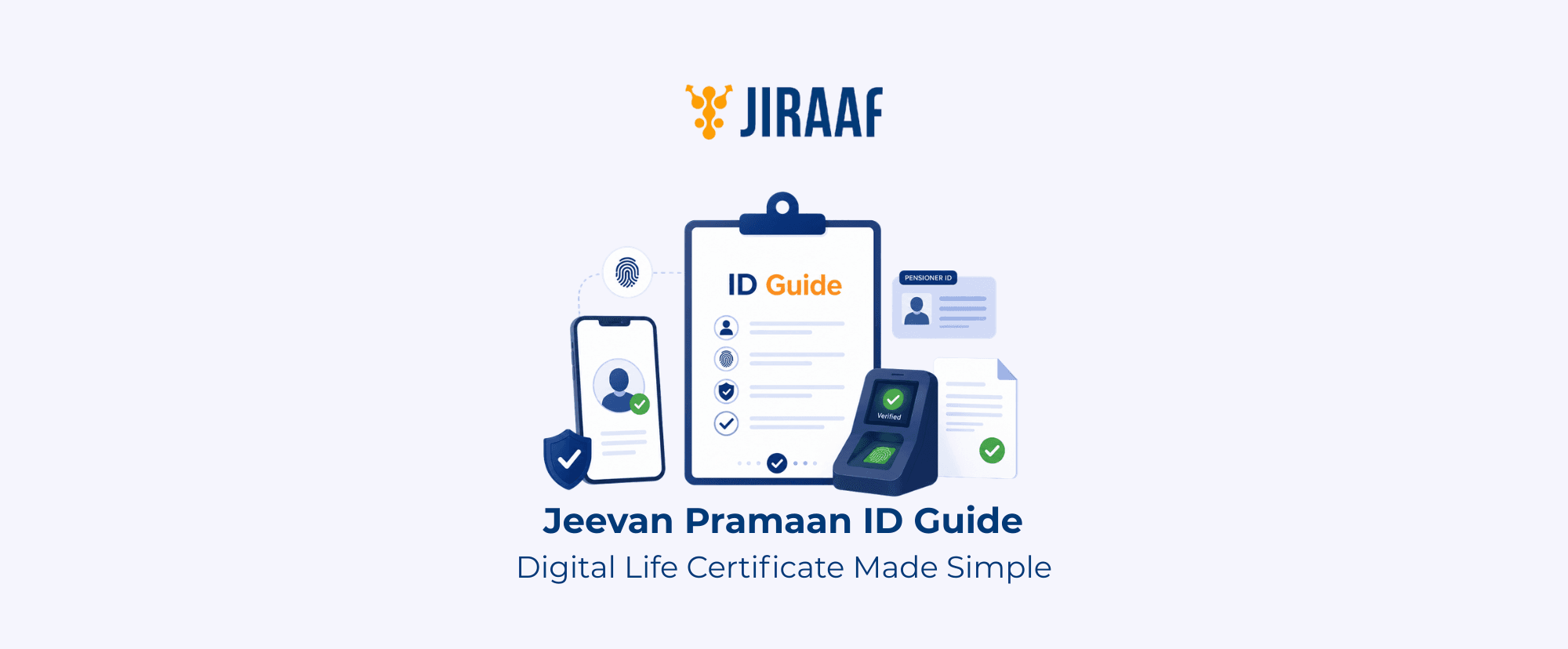
Summary: A Jeevan Pramaan ID is the unique reference linked to your digital life certificate (Jeevan Pramaan Patra). This guide explains what it is, how to generate and download your certificate, and how to resolve common issues.
Quick Overview
- Jeevan Pramaan is a digital life certificate that enables eligible pensioners to complete annual life certificate submission online
- The Jeevan Pramaan ID helps retrieve and manage your certificate after it is generated
- You can generate and download your certificate through multiple online and assisted channels
- This guide also covers certificate status checks, common issues, and key submission timelines
For most retirees, a pension is one of the most dependable sources of financial security that replaces their salaries. To continue receiving it without hindrances, eligible pensioners generally need to submit a life certificate at prescribed intervals. This is done to ensure that the pension is going to the right person and account, through Jeevan Pramaan Patra, the government’s digital life certificate system.
This guide explains what the Jeevan Pramaan ID is, how to generate, download, and manage your Jeevan Pramaan Patra, and what to do if you face common issues along the way.
What is Jeevan Pramaan Patra?
Jeevan Pramaan Patra is a government initiative that enables eligible pensioners to submit their life certificate digitally instead of visiting a bank or pension office every year. Generally, pensioners are required to submit a life certificate periodically so that the pension disbursing authority can verify that they are alive before continuing pension payments. Jeevan Pramaan digitizes the same process by eliminating the need for a physical submission in many cases.
Pensioners can access Jeevan Pramaan Patra through the official portal at jeevanpramaan.gov.in or through the Jeevan Pramaan mobile app.
The digital life certificate confirms that the pensioner is alive, allowing the Pension Disbursing Agency (PDA) to process pension payments without requiring a physical life certificate. The following pensioners can generate and download a Jeevan Pramaan:
- Central government pensioners
- State government pensioners (where applicable)
- Defence pensioners
- Family pensioners
- EPFO/EPS pensioners
- Pensioners covered under participating pension schemes
Jeevan Pramaan vs Physical Life Certificate
Both Jeevan Pramaan and physical life certificates serve the same purpose, but the submission process is different.
| Feature | Digital Life Certificate | Physical Life Certificate |
| Submission | Submitted online | Submitted as a paper document |
| Verification | Aadhaar-based biometric or face authentication | Manual verification |
| Visit required | Can often be completed remotely or through authorized centers | Usually requires a visit to a bank or pension office |
| Record access | Can be downloaded online whenever required | Depends on physical records or printed copies |
What is a Jeevan Pramaan ID?
A Jeevan Pramaan ID, also known as a Pramaan ID, is a unique reference number generated when a pensioner successfully creates a Digital Life Certificate (DLC). It serves as the reference for that certificate and helps you track, download, or verify it whenever required.
This ID is not valid for life. The validity of the corresponding certificate depends on the rules of the Pension Sanctioning Authority (PSA). Once it expires, you’ll need to generate a new digital life certificate, and the system will issue a new Jeevan Pramaan ID.
Keeping your latest Jeevan Pramaan ID readily available can make it easier to retrieve your current certificate, check its status, or share it with your PDA when required.
Jeevan Pramaan ID vs Aadhaar vs PPO Number
The Jeevan Pramaan ID, Aadhaar number, and Pension Payment Order (PPO number) are often used together during the digital life certificate process. However, each serves a distinct purpose.
| Identifier | Purpose | Where It’s Used |
| Jeevan Pramaan ID (Pramaan ID) | Identifies a generated digital life certificate | Tracking, downloading, or verifying the certificate |
| Aadhaar Number | Verifies the pensioner’s identity | Aadhaar authentication during digital life certificate generation |
| PPO Number | Identifies the pension account | Pension records, pension processing, and communication with the PDA |
How to Generate a Digital Life Certificate?
Once the required details are ready, generating the certificate is a simple process. Pensioners can complete it at home using the official apps, or choose an assisted service if they need help.
Who can Generate a Jeevan Pramaan?
Pensioners who are required to submit an annual life certificate, including family pensioners, can generate a Jeevan Pramaan. Pensioners who are unable to travel due to age, disability, or health conditions can use assisted services, such as authorized Jeevan Pramaan Centers or participating doorstep banking providers, where available.
What You’ll Need Before You Begin
Before starting the process, pensioners should keep the following details ready:
- Aadhaar number
- Mobile number linked to Aadhaar
- PPO number
- Pension account details
- A biometric device or the Aadhaar Face Authentication app, depending on the method you choose
Ways to Generate a Jeevan Pramaan
Pensioners can generate a digital life certificate through any of the following channels:
- Jeevan Pramaan app: Install the Jeevan Pramaan app and the Aadhaar FaceRD app on an Android device. After mobile number verification through an OTP, complete face authentication, enter the required pension details, and submit the request.
- Doorstep banking service: Participating service providers, such as India Post Payments Bank (IPPB), offer doorstep digital life certificate services in eligible locations. An authorized representative visits the pensioner’s location, verifies identity using face authentication or biometrics, and completes the process.
- Jeevan Pramaan Center or participating bank: Pensioners can visit an authorized Jeevan Pramaan Center or a participating bank branch with their Aadhaar number, PPO number, and other required details. An operator verifies the information and generates the digital life certificate.
Step-by-step Generation Process
Although the process may vary slightly depending on the service used, it generally involves the following steps:
- Open the Jeevan Pramaan app or visit an authorized service provider
- Enter your Aadhaar number and pension details
- Complete identity verification using Aadhaar authentication
- Verify yourself through Face Authentication or biometrics
- Once the verification is successful, your certificate is generated
- You’ll receive the relevant confirmation and certificate ID
- The certificate is automatically shared with your PDA
Tip: If fingerprint authentication fails, try face authentication or visit an authorized Jeevan Pramaan center or participating bank.
How to Download Your Jeevan Pramaan Certificate?
After generating a digital life certificate, you can download a PDF copy whenever required. Keeping the Jeevan Pramaan ID readily available makes it easier to access and retrieve the certificate.
Following are the steps to download your certificate:
- Visit the official Jeevan Pramaan portal
- Select the option to download your certificate
- Enter your Jeevan Pramaan ID
- Complete OTP verification using your registered mobile number
- Download the certificate in PDF format
You can save the PDF for future reference or print a copy if your PDA requests one. Besides downloading the certificate, you can also track its status online.
How to Check The Certificate Status
You can check the status of your digital life certificate by logging in to the Jeevan Pramaan portal or app. Once the certificate is available, it can be downloaded immediately.
Important Timelines and Best Practices
Once you’ve generated the certificate, submitting it within the applicable timeline is equally important. The validity period and submission timeline for a digital life certificate vary depending on the PSA and the applicable pension scheme. While many Central Government pensioners traditionally submit their life certificates in November, some pension schemes now follow a birth month-based schedule with a specified submission window.
You should confirm the applicable timeline with your PDA or refer to the official Jeevan Pramaan portal before generating a certificate.
Before Submission
- Confirm the applicable submission window
- Ensure the Aadhaar-linked mobile number is active
- Keep the Aadhaar number, PPO number, and other pension details readily available
- Check whether an early submission window applies, if eligible
During Submission
- Complete the life certificate submission within the prescribed timeline
- Review all personal and pension details before submitting the request
After Submission
- Download and save a copy of the digital life certificate
- Keep the certificate ID for future reference
- Contact the PDA if the certificate is not reflected within a reasonable period
If the Submission Deadline Is Missed
The consequences of missing the submission deadline vary across pension schemes. In some cases, pension payments may be withheld until a valid digital life certificate is submitted. You should check the applicable rules with your PDA.
Pensioners Living Outside India
Pensioners residing outside India cannot complete the fully digital biometric verification process. Instead, they must follow the procedure prescribed by their PDA, which may require attestation through an Indian Embassy, Consulate, or a notary, depending on the applicable guidelines.
Keep These Details Ready
- Aadhaar number
- PPO number
- Registered mobile number
- Pramaan ID
- Most recent certificate ID (if applicable)
Common Jeevan Pramaan Issues and Solutions
Most issues can be resolved with a few simple checks. If a pensioner encounters a problem while generating, downloading, or accessing a digital life certificate, the table below outlines common issues and their possible solutions.
| Issue | Why it Happens | What You Can Do |
| Jeevan Pramaan ID not received | Registration confirmation may be delayed | Check your SMS and email first. If you still can’t find it, log in to the Jeevan Pramaan portal or contact support |
| Lost Jeevan Pramaan ID | The ID wasn’t saved or has been misplaced | Try recovering it through the Jeevan Pramaan portal. If that doesn’t work, contact your PDA |
| Certificate not generated | The verification process wasn’t completed successfully | Check your Aadhaar, PPO number, and pension details, then try again. |
| Authentication failed | Aadhaar verification or biometric authentication wasn’t successful | Retry the process or switch to face authentication. You can also visit an authorized Jeevan Pramaan Centre |
| Face authentication isn’t working | Camera permissions, lighting, or the app may be causing the issue | Update the app, allow camera access, and retry in good lighting |
| Mobile number doesn’t match | The mobile number linked to Aadhaar is outdated | Update your Aadhaar-linked mobile number before trying again |
| Unable to download the certificate | The certificate may still be processing or incorrect details were entered | Check the status, verify your details, complete OTP verification, and try again |
| Pension authority hasn’t received the certificate | There may be a processing delay | Wait for some time and check the status again. If the issue continues, contact your PDA |
When Should You Contact Your Pension Disbursing Agency?
Reach out to the PDA if:
- The certificate has been generated, but isn’t reflected in their records
- The pension payment is delayed after completing the submission
- Pensioners need clarification on the submission window or certificate validity
- Pensioners are unable to resolve the issue through the Jeevan Pramaan portal
Conclusion
Generating a digital life certificate is important, but keeping your Jeevan Pramaan ID, latest certificate ID, PPO number, and other essential details readily available can make future submissions much easier.
Since you’ll complete this process annually, maintaining these records can help reduce delays and make it easier to retrieve or verify your digital life certificate whenever needed.