Summary: A Permanent Retirement Account Number (PRAN) is a unique 12-digit number that identifies your NPS or APY pension account and lets you access it online. This guide explains what PRAN is, how to find it, and what to do if you can’t retrieve it.
Quick Overview
- PRAN is the unique ID for your NPS or APY account
- NPS subscribers can retrieve it through the Know Your PRAN service, CRA portal, registration email or SMS, or ePRAN
- Before starting, identify whether your account is managed by Protean, CAMS, or Fintech
- APY subscribers can recover their PRAN through the APY ePRAN portal, UMANG app, or their servicing bank
- If online recovery doesn’t work, update your registered contact details or contact your employer, POP, or bank
If you have invested in the National Pension System (NPS) or the Atal Pension Yojana (APY), you are assigned a Permanent Retirement Account Number (PRAN). Think of it as your lifelong pension account number. It uniquely identifies your pension account and remains the same throughout your participation in the scheme.
Since most people do not use their pension account regularly, it is common to forget their PRAN or misplace their PRAN card. You usually need this number when logging into your pension account, checking your balance, updating your details, or submitting service requests.
The good news is that recovering your PRAN is usually straightforward. The process depends on whether you are an NPS or APY subscriber. If you have an NPS account, you may also need to know which Central Recordkeeping Agency (CRA) manages your account.
This guide explains what a PRAN number is, why it is important, how to find a PRAN number, and how the recovery process differs for NPS and APY subscribers.
What is PRAN Number?
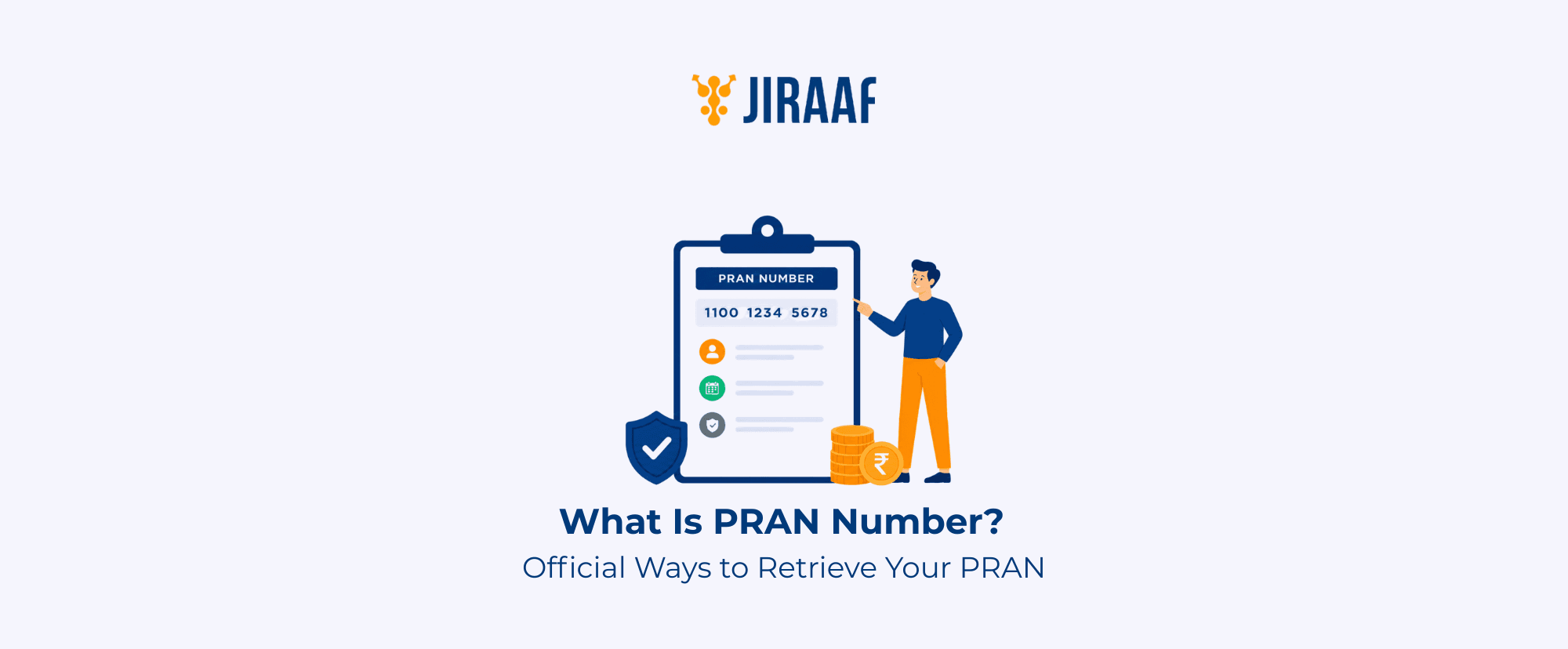
A Permanent Retirement Account Number (PRAN) is a unique 12-digit number assigned to every subscriber of the NPS, NPS Vatsalya, and APY.
It serves as the unique identifier for your pension account.
PRAN lets you:
- Log in to your pension account
- View account statements
- Make contributions
- Update personal details
- Initiate withdrawals or exit requests
It’s also important to understand the difference between the PRAN, PRAN Card, and pension account:
- PRAN: Your unique 12-digit account identifier
- PRAN Card: A physical or electronic card (ePRAN) that displays your PRAN and basic subscriber details
- Pension account: The actual NPS or APY account where your retirement savings, contributions, and transaction history are maintained
Although both NPS and APY assign a PRAN to subscribers, the PRAN is scheme-specific. If you’re enrolled in both schemes, you’ll receive separate PRANs for each. This means you cannot use an NPS PRAN to access an APY account, and vice versa.
| Feature | NPS PRAN | APY PRAN |
| Scheme | National Pension System (NPS) | Atal Pension Yojana (APY) |
| Purpose | Access and manage your NPS account | Access and manage your APY account |
| Servicing | Central Recordkeeping Agency (CRA) | Central Recordkeeping Agency (CRA) along with the participating bank (PoP-APY) |
| Retrieval | Through the respective CRA portal | Through the APY/CRA portal or mobile app, or via the participating bank |
Before You Begin: Identify Your CRA (For NPS Subscribers)
The way you recover your PRAN depends on the pension scheme you are enrolled in. While both NPS and APY subscribers can retrieve their PRAN, the recovery process is not identical.
If you are an APY subscriber, your PRAN is linked to the bank account through which you enrolled, and you will typically recover it with your bank’s help.
If you are an NPS subscriber, there is one additional detail you should know before you begin: the Central Recordkeeping Agency (CRA) that manages your pension account. Knowing your CRA helps you use the correct portal to recover your PRAN and access your account.
Identify Your CRA (for NPS Subscribers)
Before trying to recover your PRAN, it’s important to know which Central Recordkeeping Agency (CRA) manages your NPS account. This is because each CRA has its own portal for account access and PRAN recovery.
NPS accounts are managed by one of the following authorized CRAs:
- Protean: One of the oldest and most widely used CRAs for NPS subscribers
- CAMS: A financial services provider authorized to offer NPS recordkeeping services
- KFintech: A technology-driven financial services company that also serves as an authorized NPS CRA
NPS assigns every subscriber to one CRA at the time of registration. Even if you transfer your account to another CRA later, your PRAN remains the same. However, you’ll need to use the portal of the CRA currently servicing your account to recover your PRAN or access your account.
If you’re not sure which CRA manages your account, check your:
- Registration email
- Registration SMS
- Welcome Kit or ePRAN
- Employer (for corporate or government subscribers)
- Point of Presence (POP)
| If your CRA is | Use |
| Protean | Protean CRA/eNPS portal |
| CAMS | CAMS NPS portal |
| KFintech | KFintech CRA portal |
Many subscribers search only on the Protean portal, assuming it manages every NPS account. Identifying your CRA first can save time and help you avoid unsuccessful recovery attempts.
How to Find PRAN Number (NPS)
Once you know which CRA manages your NPS account, you can recover your PRAN using several official methods. The best option depends on what information you still have, such as your registered mobile number, email, login credentials, or ePRAN.
Use the Official “Know Your PRAN” Service
The Know Your PRAN service is usually the fastest way to recover your PRAN.
Visit your CRA’s official portal and complete OTP verification using your registered mobile number. You’ll also need to enter details such as your name and date of birth exactly as you provided them during registration.
Even small mismatches in your details can prevent successful verification.
Check Your Registration Email and SMS
Your registration email or confirmation SMS is another easy place to look for your PRAN.
Search your inbox or messages using keywords such as: PRAN, NPS, CRA or ePRAN
The welcome communication your CRA sends often contains your PRAN or a link to access your account.
Log In to Your CRA Portal
If you already have your login credentials, sign in to your CRA portal. Your subscriber dashboard displays your PRAN along with your account details.
If you’ve forgotten your password, use the “Forgot Password or password recovery” option before logging in.
Download Your ePRAN or Check Your Physical PRAN Card
If you’ve previously downloaded your ePRAN, simply open the PDF to view your PRAN. You can also download a fresh copy from your CRA portal.
Alternatively, check your physical PRAN card if you have it. The NPS Trust also provides links to download the ePRAN through the respective CRA portals.
Retrieve Your ePRAN Through DigiLocker
Some NPS subscribers may also be able to access their ePRAN through DigiLocker.
DigiLocker may also provide access to other NPS documents, such as your account statement, where supported. If your ePRAN is unavailable, use your CRA portal or another official recovery method, as the CRA remains the primary platform for account servicing and document retrieval.
Contact Your Employer or Point of Presence (POP)
If you opened your NPS account through your employer or a Point of Presence (POP), they can help you recover your PRAN.
This is especially useful for corporate and government subscribers. You’ll usually need to complete identity verification before your details are shared.
How to Find Your APY PRAN Number
The recovery process for an APY PRAN differs from that of NPS. While NPS accounts are primarily serviced through the Central Recordkeeping Agency (CRA), APY subscribers typically interact with their participating bank for account-related services. APY records are also maintained by a CRA under the PFRDA ecosystem, so subscribers should use APY-specific recovery channels, such as the APY portal or their participating bank, instead of the NPS subscriber portal.
Retrieve Your PRAN Online
The official APY ePRAN portal is the quickest way to recover your PRAN online.
If you already have your PRAN, you can use it to access your ePRAN. If you don’t, the portal lets you search for your account using details such as:
- Subscriber name
- Bank account number
- Date of birth
Make sure the information you enter matches the details you provided during APY registration to complete verification successfully.
You can also check your APY account through the Unified Mobile Application for New-age Governance (UMANG) app, where available. Depending on which services you’ve linked to your account, you may be able to view your PRAN and other account details after verification.
Contact Your Servicing Bank
If you’re unable to retrieve your PRAN online, your servicing bank can help. Visit the branch where you enrolled for APY and complete the required identity verification. The bank can then assist you in retrieving your PRAN or accessing your account details.
Common PRAN Problems and How to Solve Them
PRAN recovery is generally simple, but common issues can occur.
What if I No Longer Have Access to My Registered Mobile Number?
- If you can still log in to your NPS account, update your mobile number through your CRA portal.
- If you’re unable to log in, contact your mapped Point of Presence (POP), employer, nodal office, or servicing bank to update your contact details before attempting OTP-based recovery.
What if I’ve Lost Access to My Registered Email?
- If you can access your account, update your email address through your CRA portal.
- If not, request the change through your CRA, POP, or servicing bank after completing the required identity verification.
What if I Forgot My CRA Login Password?
- Use the Forgot Password or Instant Reset IPIN option available on your CRA portal.
- After OTP verification, you can set a new password and regain access to your account.
What if I’ve Lost My PRAN card?
- Losing your physical PRAN card doesn’t affect your pension account.
- You can download your ePRAN from your CRA portal at any time.
- If you need a physical copy, you can also request a reprint through your CRA.
What if My PRAN Hasn’t Been Generated Yet?
- If you’ve recently applied for NPS or APY, your CRA may still be processing your PRAN request.
- Use your acknowledgment or receipt number to track your application status, and wait for the verification process to finish before you try to retrieve your PRAN.
What Should I Do if OTP Verification Fails?
- First, make sure your registered mobile number and email address are active.
- If either has changed, update your contact details through your CRA, POP, employer, or servicing bank before trying again.
How Do I Know Whether I Have an NPS or APY Account?
The recovery process depends on the scheme you’re enrolled in.
- If you joined NPS independently or through your employer, follow the NPS recovery methods discussed earlier.
- If you enrolled through your bank under Atal Pension Yojana, use the APY portal or contact your servicing bank.
What if I Don’t Know which CRA Manages my NPS Account?
- Check your registration email or SMS, Welcome Kit, or ePRAN to identify your CRA.
- If you’re still unsure, contact your employer or Point of Presence (POP).
- Knowing your CRA will help you use the correct portal to recover your PRAN.
Conclusion
Your PRAN is your lifelong pension account number, making it one of the most important details for managing your National Pension System (NPS) or Atal Pension Yojana (APY) account. If you’ve forgotten it, there’s no need to worry.
Whether you’re an NPS subscriber recovering it through your CRA or an APY subscriber seeking help from your bank, the process is usually straightforward.
Once you’ve recovered your PRAN, save your ePRAN, keep your registered mobile number and email address up to date, and store your account details in a secure place.
Doing so will make it easier to access your pension account, complete service requests, and manage your retirement savings whenever you need to.