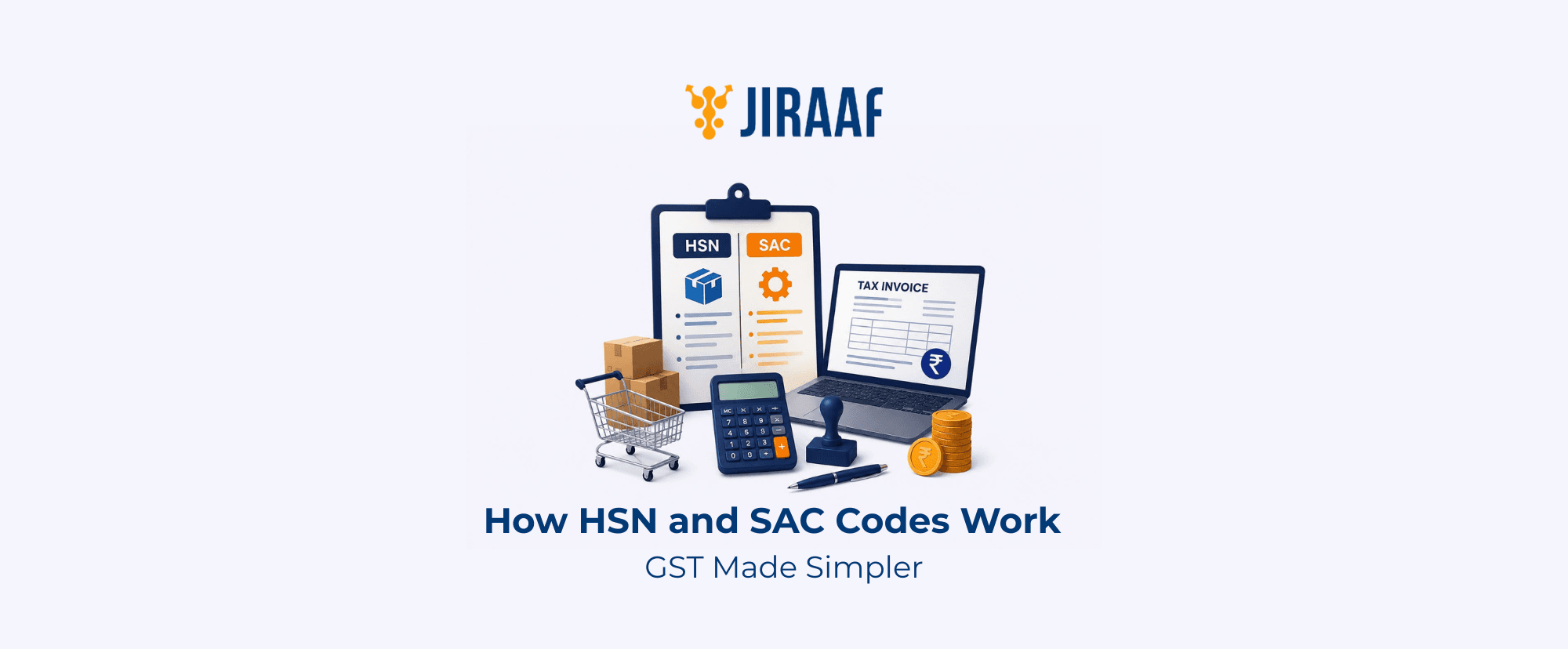
Summary: HSN and SAC codes classify goods and services under the GST system to support accurate tax reporting and invoicing. This guide explains how they differ, how to choose the correct code, and how proper classification supports GST compliance.
Quick Overview
- HSN codes classify goods, while SAC codes classify services under GST
- You must choose the code based on the actual supply instead of the applicable GST rate
- The required number of HSN digits depends on your business turnover and transaction type
- Incorrect classification can lead to GST return mismatches, ITC issues, and penalties
- You can use the GST Portal and CBIC tariff schedules to verify every HSN or SAC code
- Ensure invoice details and GSTR-1 reporting use consistent and accurate classifications
If you’ve ever typed a code into a GST invoice and had the portal bounce it back, you probably assumed the tax rate was wrong. While that could be a reason, another could be a classification error, which means the wrong HSN or SAC.
HSN codes are for physical goods, while SAC codes are for services. Because the modern GST portal relies on automated dropdown entries rather than manual typing, selecting the wrong type of code or using the wrong number of digits may stop your tax invoice or return from validating at all.
This guide breaks down exactly what HSN and SAC codes classify, how they differ in structure, and how to find the precise code you need before you generate your next invoice or file your next return.
What HSN and SAC Codes Classify
HSN stands for Harmonized System of Nomenclature, a product classification system originally developed for international trade and later built into India’s GST framework. Each code narrows from a broad chapter to a specific product, so two digits identify the general category and each additional pair adds precision. For example, in HSN 6109.10.00 (Cotton T-shirts), the first two digits (61) identify the chapter. Together, the first four digits (6109) identify the heading, while the remaining four digits further classify the product into its subheading and tariff item.
A Service Accounting Code (SAC) follows a similar logic for services, but with one fixed starting point: every SAC begins with 99, since services sit in their own dedicated chapter under GST. The digits after that pair identify the specific type of service, from consulting to logistics to software development. For example, SAC 998212 represents legal advisory and representation services concerning criminal law, classified under heading 9982 as “Legal and accounting services”.
Under GST mandates, the number of HSN digits you must mention on tax invoices varies based on your business’s aggregate annual turnover. The following rules apply:
| Aggregate Annual Turnover (AATO) | Mandatory Digit Requirement | Invoice Coverage |
| Up to ₹5 crore | 4-digit HSN | Mandatory on B2B invoices; Optional on B2C invoices |
| Above ₹5 crore | 6-digit HSN | Mandatory on both B2B and B2C invoices |
| Import & export transactions | 8-digit HSN | Mandatory on all shipping bills and invoices regardless of turnover |
The item classification directly connects to the GST tax rate associated with the good or service.
How Code Classification Connects to Tax Rates
The Central Board of Indirect Taxes and Customs (CBIC) maintains the actual GST rates (0%, 5%, 18%, or 40%) separately, via independent Rate Notifications. The government maps specific codes to specific tax brackets, and they can shift these rates during GST Council meetings without ever altering the numbers inside the codes themselves.
This is why two products can carry different HSN codes and still attract the same GST rate. Similarly, the way you describe a service can shift it into a different SAC, even when the applicable rate remains unchanged.
The following examples highlight how these classification rules function in practice:
| Classification Scenario | Invoice DescriptionExamples | Code Assigned | GST Rate | Business Impact |
| Different codes, same rate | Commercial laptop | 8471 (HSN) | 18% | Broad tax brackets compress completely unrelated items into the exact same tax weight. |
| Anti-dandruff shampoo | 3305 (HSN) | |||
| Wording shift, same rate | Software development | 998314 (SAC) | 18% | The GST rate does not change, but a wrong code triggers critical data mismatches on the portal. |
| Computer maintenance and repair | 998713 (SAC) | |||
| Wording shift, altered rate | Fresh loose paneer | 0406 (HSN) | 0% | Adding operational words like “packaged” alters the sub-heading, creating a tax liability. |
| Pre-packaged branded Paneer | 0406 (Sub-heading) | 5% |
HSN vs SAC: How to Choose the Right Code
A business can use both codes at once, and most businesses do. A company that sells laptops and also offers installation support needs an HSN code for the laptop and a separate SAC code for the installation service, even on the same invoice.
Bundled transactions complicate the classification further. When a supply combines goods and a service, GST mandates classifying them under one of two categories:
- Composite supply: If the items are naturally bundled (such as a laptop sold with a warranty or furniture sold with delivery), GST classifies them as a single supply. You must use the code of the principal supply (for example, the HSN of the laptop or furniture) for the entire bundle.
- Mixed supply: If the items are completely independent but sold together for a single price (like a gift pack containing chocolates, a watch, and juices), you must use the code of the item that carries the highest GST rate.
How to Find the Correct HSN or SAC Code
Once you identify whether your transaction requires a good or a service classification, the next step is locating the exact numeric sequence inside the massive tax schedules without losing accuracy.
For Goods, Start With the Product
Begin with what the product actually is, not what it’s used for or how it’s marketed. Identify the material, the primary function, and the broad category it falls under, then work down the classification hierarchy: chapter, heading, subheading, tariff item. If a product is difficult to classify, GST law follows the General Rules for Interpretation (GRI), meaning you classify by essential character first, then by specific heading over general heading.
For Services, Start with the Actual Service
Identify the service actually performed, then narrow it down to the appropriate SAC category and specific code. A company might call itself a “digital transformation consultancy”, but GST classification depends on what you actually delivered. Was it IT consulting, business support, or something else? For example, if you deliver custom software coding, the correct code is SAC 998314 (Information technology design and development services), not a general business support code.
Use Official Verification Tools
Once you’ve identified the code that matches your supply’s essential character, verify it through the GST Portal before generating an invoice.
- Use the GST portal: Log in and navigate to Services > User Services > Search HSN/SAC Code to use the government’s official search utility. You can type a minimum of 3 numeric digits to trigger the auto-suggest system, which will display the five nearest official description matches. You can also enter commercial, technical, or trade terms to see matching alphanumeric options.
- Check the CBIC tariff: For complex goods, download the latest tariff schedules from the CBIC website to check official section notes and exclusions.
Why Classification Matters for GST
Skipping ahead to the GST rate before settling the code is where most errors start, since a single product category can span more than one tax rate based entirely on its specifications. For example, selling pure, unflavored water in standard containers is exempt (Nil GST) under the law. However, if the specification changes slightly to “Mineral water”, it reclassifies into an 18% GST bracket. Furthermore, if it is processed as “Aerated water”, it legally shifts into a different HSN structure entirely, instantly pushing the tax rate to 40% GST under the latest rules.
The assigned code must accurately match the precise nature of what you’re supplying on every line item of the tax invoice.
An incorrect code doesn’t stay contained to your own invoice. In 2026, the GSTN relies heavily on automated data-matching algorithms. If a supplier reports an incorrect HSN or SAC code in their GSTR-1, it populates incorrectly in the buyer’s GSTR-2B statement. This mismatch can automatically block or reverse the buyer’s Input Tax Credit (ITC).
On your own side, misclassification carries severe risks:
- Automated scrutiny: The system flags mismatches between your GSTR-1 HSN summary (Table 12) and your total taxable value, automatically triggering Form GST ASMT-10 scrutiny notices.
- Statutory penalties: Issuing an invoice with incorrect code details violates proper invoicing rules, making the business liable to penalties under Section 122 of the CGST Act.
- Audit exposure: Persistent classification errors draw closer scrutiny during department audits, even if the error was completely accidental or copied from an old vendor invoice.
Classification in GST Returns
Table 12 of GSTR-1 now requires an HSN-wise summary from every taxpayer, regardless of turnover. A business below the ₹5 crore threshold that reports 4-digit HSNs on its B2B tax invoices must summarize those B2B supplies by HSN in Table 12 (reporting B2C HSN summaries remains optional for these smaller taxpayers).
Under the current GST portal validations:
- Mandatory rate field: When entering the HSN summary in Table 12, you must select the exact tax rate percentage along with the code. The portal will not accept an HSN entry without its corresponding tax rate.
- Strict system validation: The table is split into separate B2B and B2C tabs, and manual typing of codes is completely blocked. The portal automatically checks your validated registration turnover; if your AATO is above ₹5 crore, the system will reject any attempt to enter a 4-digit code, forcing you to select a 6-digit option from the dropdown menu to successfully file.
Common Mistakes to Avoid When Selecting HSN/SAC Codes
Because the financial penalties and audit flags are so severe, it helps to look at the most frequent compliance traps businesses fall into during their monthly GST filing cycles:
- Classifying by business type instead of supply type: A company that primarily manufactures goods but occasionally provides consulting services must use a SAC code for that service. Never default to your primary HSN code for everything you invoice.
- Blindly copying vendor invoices: Copying HSN/SAC codes directly from a supplier’s invoice without checking them is dangerous. If your vendor misclassified the item, you carry the error onto your own returns, potentially blocking your buyer’s credit.
- Assuming similar products share the same code: Do not overlook how narrowly the system classifies by function and material. Products in the same brand line often require completely different chapters.
- Using vague service descriptions: Labeling an invoice line item with broad words like “Digital Services” or “Professional Charges” makes it easy to apply the wrong SAC. Identify the exact underlying service delivered.
- Mismatching the Unit Quantity Code (UQC): In GSTR-1 Table 12, you must pair every HSN with its correct, government-approved UQC (e.g., NOS for Numbers, KGS for Kilograms). Using an incorrect or inconsistent UQC will trigger a validation error on the portal.
- Ignoring composite vs mixed supply rules: Applying a single code to bundled transactions without identifying whether it is legally a composite supply (taxed at the principal item’s rate) or a mixed supply (taxed at the highest item’s rate) is a major trigger for tax department audits.
- HSN summary vs tax return discrepancies: Assuming that invoice-level compliance satisfies your return reporting is a mistake. The total value and tax reported in your HSN-wise summary (Table 12) must match your total outward supplies in GSTR-1 exactly, or the portal will block your submission.
Conclusion
Table 12’s move to mandatory HSN-wise reporting for every taxpayer, regardless of turnover, is part of a broader pattern where authorities phase out manual shortcuts that worked a few years ago. The GST system increasingly expects the code on your invoice and the code in your return to match without exception.
Always start from the substance of the supply, not the tax rate. Confirm goods against the HSN hierarchy and services against the SAC structure, check the digit count your turnover requires, and confirm what Table 12 expects for the filing period. Classification errors rarely stay confined to a single invoice. They often surface later as blocked ITC, GST return mismatches, or scrutiny notices, when the original invoice is long past editing. Accurate classification from the outset helps keep reporting consistent and supports smoother GST compliance.