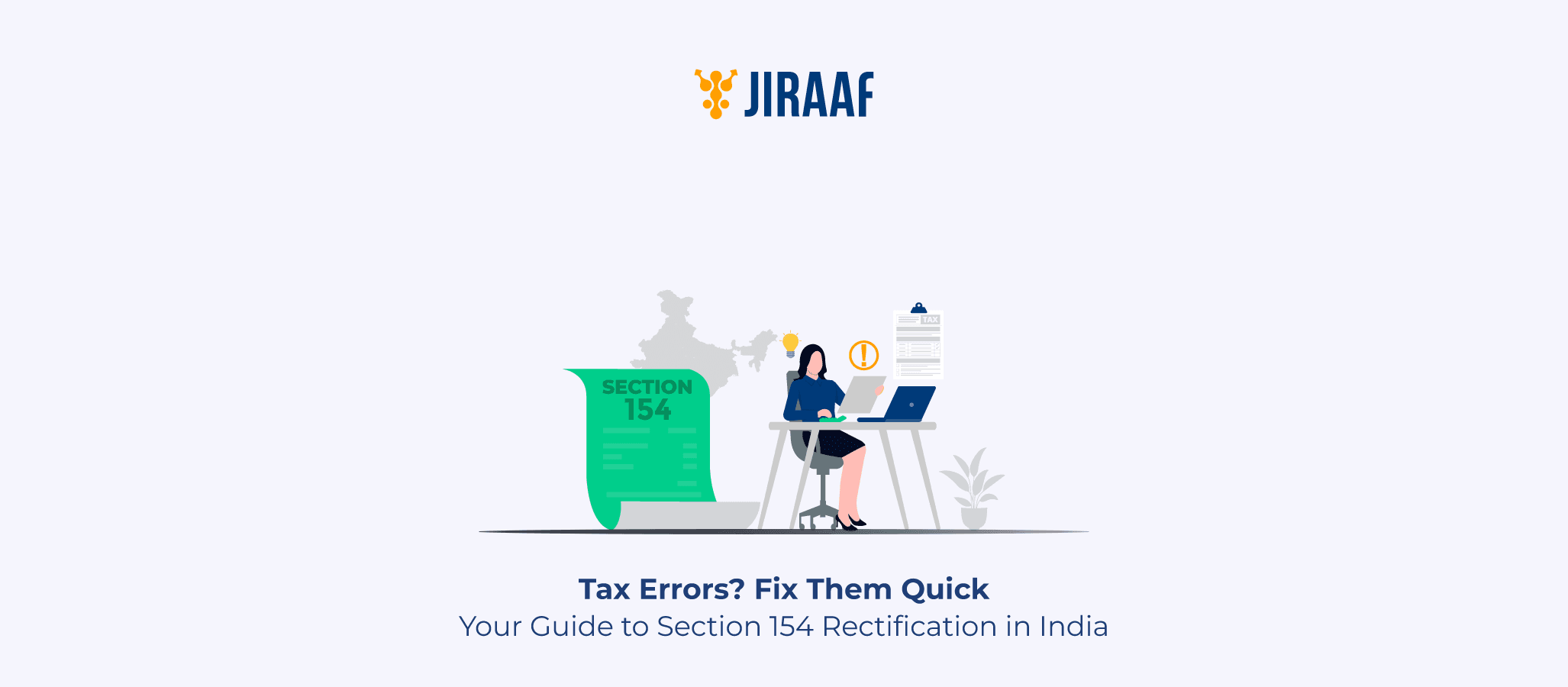
Section 154 of the Income Tax Act helps applicants fix any errors they made while filing their ITR. This blog discusses what can and cannot be changed, how you can change it, and everything you need to know before filing a rectification request.
You filed your income tax return carefully, waited for processing, and then received your intimation order, only to find an error staring back at you. Maybe the tax department missed your TDS credit, or a deduction under Section 80C was ignored for no clear reason.
Before considering a formal appeal, it helps to know that Section 154 of the Income Tax Act exists precisely for situations like these, offering a quicker, simpler, and far less expensive path to resolution.
Section 154 provides both taxpayers and the tax department a way to correct mistakes that are obvious and self-evident from the record, without the need for legal debate or extended investigation. Think of it as a built-in correction mechanism, one that the law deliberately keeps accessible and cost-free.
What Is Section 154 of the Income Tax Act?
Section 154 of the Income Tax Act, 1961, allows for the rectification of mistakes in any order passed by an income tax authority. Tax professionals often describe it as a “safety valve”; a provision designed to fix clear, apparent errors without dragging a matter into formal dispute. This section has become especially relevant in recent years, since the Centralized Processing Centre (CPC) now automatically processes most Income Tax Returns.
While automation has significantly sped up the system, it also introduces the possibility of software glitches or data mismatches that can produce incorrect tax demands or reduce legitimate refunds. Section 154 is the primary mechanism the law provides to address these issues efficiently.
Who Can File a Rectification Request?
The rectification process is bilateral, meaning it is not a right reserved for taxpayers alone. If a taxpayer spots an error in their Intimation Order under Section 143(1) or in any other order passed against them, they can file a rectification request directly through the e-filing portal.
At the same time, the Assessing Officer (AO) or the CPC also holds the authority to initiate rectification suo motu, that is, on their own motion, if they identify an error, without waiting for the taxpayer to raise it.
Beyond these two, deductors responsible for TDS or TCS deductions and Representative Assessees acting on behalf of a taxpayer can also approach the department for rectification where applicable.
When Can You Apply for Rectification?
You can apply for rectification only after the tax department has processed your return and issued an Intimation or Order. You cannot file a request for a return that is still being processed.
Note: If the error was made by you (the taxpayer) rather than the department, such as forgetting to report a bank interest or an entire income source, you should generally file a Revised Return under Section 139(5) instead of a Rectification Request, provided the deadline has not passed.
The types of errors that qualify for rectification include:
- Factual mistakes: Incorrect gender, date of birth, or residential status reflected in the processed return
- Arithmetic or computational errors: Wrong calculation of total income, tax liability, or interest under Sections 234A, 234B, or 234C
- Clerical mistakes: Typos in your PAN, name, or assessment year
- Omission of mandatory provisions: When the department ignored a clearly applicable deduction or tax provision during processing
What Can, and Cannot, Be Rectified?
Understanding this distinction saves you from filing a request that will get rejected. Section 154 only covers mistakes that are obvious and evident from the record itself.
If an error requires legal interpretation, investigation, or debate to establish, it falls outside the scope of rectification and needs to go through a formal appeal.
You CAN get the following rectified:
- TDS or TCS credits that do not appear in your intimation despite being reflected in Form 26AS
- Advance tax mismatches
- Deductions under Section 80C or 80D that you claimed in your ITR but the system disallowed due to a processing error
- Wrongly calculated surcharge, cess, or tax rates
- Incorrect bank account number or IFS code that caused a refund failure
You CANNOT use Section 154 to:
- Add a new source of income that you never reported in the original ITR
- Claim new deductions you forgot to include in your original return
- Resolve matters that require legal interpretation or prolonged debate
- Change your residential status if it requires investigation
A useful rule of thumb is that if you need a lawyer to argue the point, it is not a mistake apparent from the record.
What is the Time Limit for Filing?
- For you to file: You have 4 years from the end of the financial year in which the order was passed. For example, if the department passed an order on July 10, 2022 (falling in FY 2022-23), your deadline to file for rectification is March 31, 2027.
- For the department to respond: Once you file, the tax department must pass a rectification order within 6 months from the end of the month in which it received your application. This statutory deadline keeps the process from dragging on indefinitely.
Do not wait until the last minute. Filing early gives you time to respond if the department raises any queries or issues a Show Cause Notice.
How to File a Rectification Request Online (Step-by-Step)
For FY 2026-27, the process runs entirely through the Income Tax e-Filing Portal. Here is how to do it:
- Log in: Visit the e-Filing Portal and log in using your PAN or Aadhaar and password
- Navigate: Go to Services > Rectification
- Start a new request: Click ‘+ New Request’ to begin
- Select your details: Choose ‘Income Tax’ and select the relevant Assessment Year (e.g., AY 2026-27)
- Choose the request type: The portal offers three options:
- Reprocess the return: use this for computational errors
- Tax credit mismatch: use this for TDS or Advance Tax issues
- Return data correction: use this for specific schedule-wise corrections (requires a JSON upload)
- Submit and e-verify: Submit the request and verify it using Aadhaar OTP, Electronic Verification Code (EVC), or a Digital Signature Certificate (DSC).
Once submitted, track the status of your rectification request under the same Services > Rectification section on the portal.
Format of a Rectification Letter (For Manual Filing)
While online filing is mandatory for electronic returns, you may need to submit a manual letter for older offline assessments or when your Jurisdictional AO specifically requests one. Here is the standard format:
Header: Address the letter to The Assessing Officer, [Circle/Ward Number], [City]
Subject line: Application for Rectification under Section 154 for AY 20XX-XX
Body: Include your PAN, full name, and the Communication Reference Number from the Intimation or Order. Then clearly state the mistake apparent from the record, for example: “TDS of ₹10,000 deducted by Bank X was not credited despite appearing in Form 26AS”. Attach supporting documents such as Form 26AS or the relevant TDS certificate.
Request: Close by requesting a revised Intimation or refund, as applicable
Keep the letter factual and specific. Avoid vague language; the stronger and more precise your description of the error, the faster the department can act on it.
Final Thoughts
Section 154 is one of the most taxpayer-friendly provisions in the Income Tax Act. It acknowledges that errors happen, through automated processing, data entry lapses, or system mismatches, and gives you a clear, free, and relatively fast path to fix them without escalating to a full-blown appeal.
If you receive an Intimation Order that looks incorrect, act on it. Identify whether the error qualifies as a mistake apparent from the record, gather your supporting documents, and file your rectification request on the e-Filing Portal well before the 4-year window closes. The sooner you act, the smoother the resolution can be.