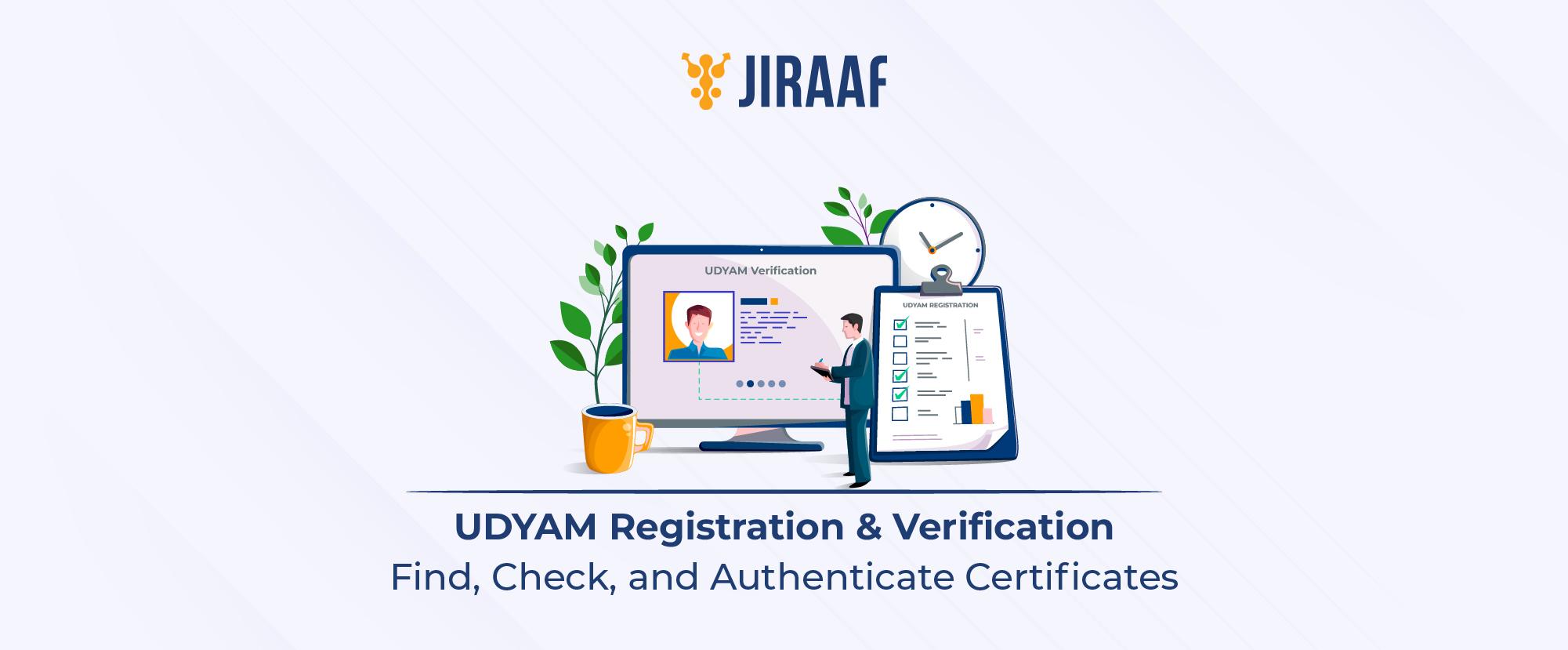
Understanding, managing, and validating UDYAM (MSME) registration is an essential step for Indian enterprises. It covers step-by-step methods to recover lost registration numbers, verify certificates online using URN or PAN, check official database status, and leverage lifetime registration benefits.
Running a Micro, Small, or Medium Enterprise (MSME) in India opens doors to substantial government subsidies, priority sector lending, and tax concessions. However, to unlock these advantages, your business needs an official, verifiable digital identity. The Ministry of Micro, Small & Medium Enterprises (MoMSME) streamlined this process by replacing old systems like Udyog Aadhaar Memorandum (UAM) with the central Udyam portal.
Whether you are looking up a vendor’s credentials, applying for bank loans, or trying to recover a lost registration code, knowing how to navigate online Udyam verification is essential for smooth business operations in India.
What is UDYAM Registration and What Does the Certificate Mean?
Understanding what an UDYAM certificate means starts with recognizing India’s modernized framework for enterprise categorization. The Udyam Registration Certificate is a self-declared, paperless digital document issued by the MoMSME. It acts as legal proof that your business is recognized as an official MSME under Indian law.
Each certificate contains a unique, permanent 19-digit identifier known as the Udyam Registration Number (URN), formatted as UDYAM-XX-00-0000000. It also incorporates an integrated QR code for instant digital verification by financial institutions, government departments, and commercial partners.

The primary driver for securing this registration lies in the Udyam registration benefits available to small businesses across the country. These privileges directly lower operating costs and strengthen financial security:
- Collateral-free credit: Priority access to bank financing through the Credit Guarantee Fund Trust for Micro and Small Enterprises (CGTMSE)
- Interest rate concessions: Lower interest rates on business loans and overdraft facilities from scheduled commercial banks
- Exemption on government tenders: Waiver of Earnest Money Deposit (EMD) requirements during tender applications
- Protection against delayed payments: Legal recourse under the MSME Development Act, ensuring buyers pay interest on delayed payments beyond 45 days
- Direct subsidies: Concessions on patent registrations (up to 50%), ISO certification charges, and state electricity bills
How to Find Your UDYAM Registration Number?
Misplacing administrative details is common during day-to-day operations. If you need to know how to find Udyam registration number details quickly, the official online portal provides a simple, direct lookup path.
When business owners experience a forgotten Udyam registration number situation, there is no need to re-register or create a new account. Repeating the application process can create duplicate records and lead to official non-compliance. Instead, if you face a forgotten Udyam registration scenario, follow this retrieval process:
- Visit the government portal: Navigate directly to the official portal at Udyamregistration.gov.in
- Access the recovery tab: Click on the Print / Verify menu option on the homepage and select Forgot Udyam / UAM No.
- Choose registration type: Select “Udyam Registration” from the provided radio buttons
- Select OTP delivery mode: Choose whether you want to receive the One-Time Password (OTP) via your registered mobile number or registered email address
- Enter business details: Type in your 10-digit mobile number or official email ID associated with the original file
- Authenticate: Input the OTP received on your phone or inbox, then click Validate OTP. Your URN will display on the screen and be dispatched to your registered contact points
How to Check UDYAM Registration?
Conducting an Udyam registration check helps enterprise owners, vendors, and procurement officials verify if an MSME profile is active in government records. Regular tracking ensures your tax inputs, investment brackets, and annual turnovers line up with current statutory guidelines.
For a basic operational check, the Ministry offers a quick status check mechanism through the central Udyam verification system. To verify basic Udyam registration status:
| Check Step | Action Required | Expected Output |
| Step 1 | Go to the official Udyam portal home screen | Navigates to the official government portal |
| Step 2 | Select Check Udyam Registration Status under the Print/Verify menu | Opens credential input fields |
| Step 3 | Input your 19-digit URN and registered mobile number | Prompts system OTP delivery |
| Step 4 | Enter the 6-digit OTP sent to your phone | Displays real-time status (Active / Under Process / Inactive) |
Performing this check twice a year helps verify that your auto-fetched Income Tax Return (ITR) and Goods and Services Tax (GST) data continue to reflect accurately on your dashboard without unexpected flags or holds.
How to Verify UDYAM Registration Online?
For financial institutions processing loan requests, large corporations evaluating supply-chain vendors, or government offices accepting tenders, formal Udyam verification online is mandatory. Performing Udyam online verification ensures that a business is not presenting forged credentials or using an inactive license to claim public subsidies.
The official Udyam verification portal is maintained strictly under Udyamregistration.gov.in. Beware of third-party platforms that charge fees for lookup operations; official validation on the government database is always free.
Here is how third parties or owners can complete a full validation:
- Open the primary Udyam verification portal on any modern web browser
- Click Verify Udyam Registration inside the main navigation bar
- Enter the target enterprise’s 19-digit URN into the field
- Enter the dynamic Security Captcha code shown on the screen
- Click Verify

When you complete these steps to verify a firm on Udyam, the portal yields public details including enterprise category (Micro, Small, or Medium), major activity (Manufacturing or Services), National Industry Classification (NIC) codes, plant locations, and the official date of registration.
How to Search UDYAM Registration by PAN?
If you lose both your URN and access to your historical phone number or email, an Udyam registration search by PAN serves as your definitive secondary lookup strategy. Because the Udyam portal automatically integrates with the Income Tax Department database, your Permanent Account Number (PAN) is permanently linked to your MSME file.
Understanding how to check MSME registration by PAN number helps business owners regain full access to their files using tax identification details.

- Access the portal option: Navigate to the Udyam portal and go to the official retrieval section
- Select PAN identification: Choose the PAN-based lookup mode instead of standard URN entry
- Provide business tax credentials: Input the 10-character alphanumeric PAN assigned to the business entity (or the proprietor’s individual PAN for sole proprietorships)
- Complete OTP validation: The portal dispatches a verification code to the Aadhaar-linked mobile contact tied to that PAN profile
- Retrieve record summary: Upon successful entry, the screen populates all active and inactive URNs attached to that tax identity
UDYAM Registration Certificate Verification
Performing a complete Udyam registration certificate verification is crucial before entering into commercial contracts, approving trade credit, or finalizing vendor onboarding. This process confirms that the physical or PDF certificate provided by a supplier matches the official government records.
An official Udyam verification check protects your company from fraudulent documents. Follow this audit procedure to validate third-party supplier claims:
- QR code scan: Use a smartphone camera to scan the QR code printed on the physical certificate presented by the vendor. It should redirect to Udyamregistration.gov.in and display matching corporate credentials.
- Cross-reference enterprise details: Ensure the business name, state District Industries Center (DIC), and classification level match the physical documentation.
- Verify NIC codes: Check if the National Industry Classification codes listed match the actual goods or services being supplied.

UDYAM Validity and Registration Benefits
A common question among Indian entrepreneurs concerns MSME validity standards after registration. Under current guidelines, an Udyam Registration Certificate carries lifetime validity, provided the business remains compliant with annual tax reporting rules. There is no requirement to renew the license every year or pay recurring maintenance fees.
However, lifetime status depends on maintaining clear, updated financial records:

The Udyam system automatically pulls annual investment and turnover data directly from filed ITRs and GST returns. If your business expands or scales down, the portal automatically updates your enterprise classification category (Micro, Small, or Medium) at the start of the next financial year without requiring manual re-registration.
Sustaining an active, verified status unlocks critical Udyam registration benefits:
- Priority sector lending: Commercial banks assign lower risk weightings to verified MSME accounts, speeding up credit approvals
- GeM portal onboarding: Direct integration with the Government e-Marketplace (GeM) allows registered MSMEs to bid on public procurement tenders across India
- Subsidized technology upgrades: Access to government schemes supporting industrial design, zero-defect manufacturing (ZED certification), and modern technology adoption
Maintaining a verified Udyam account is essential for accessing government subsidies, tax relief, and institutional credit in India. By regularly tracking your status, using PAN-based retrieval when necessary, and verifying third-party certificates, your business stays fully compliant and ready to capitalize on new growth opportunities.