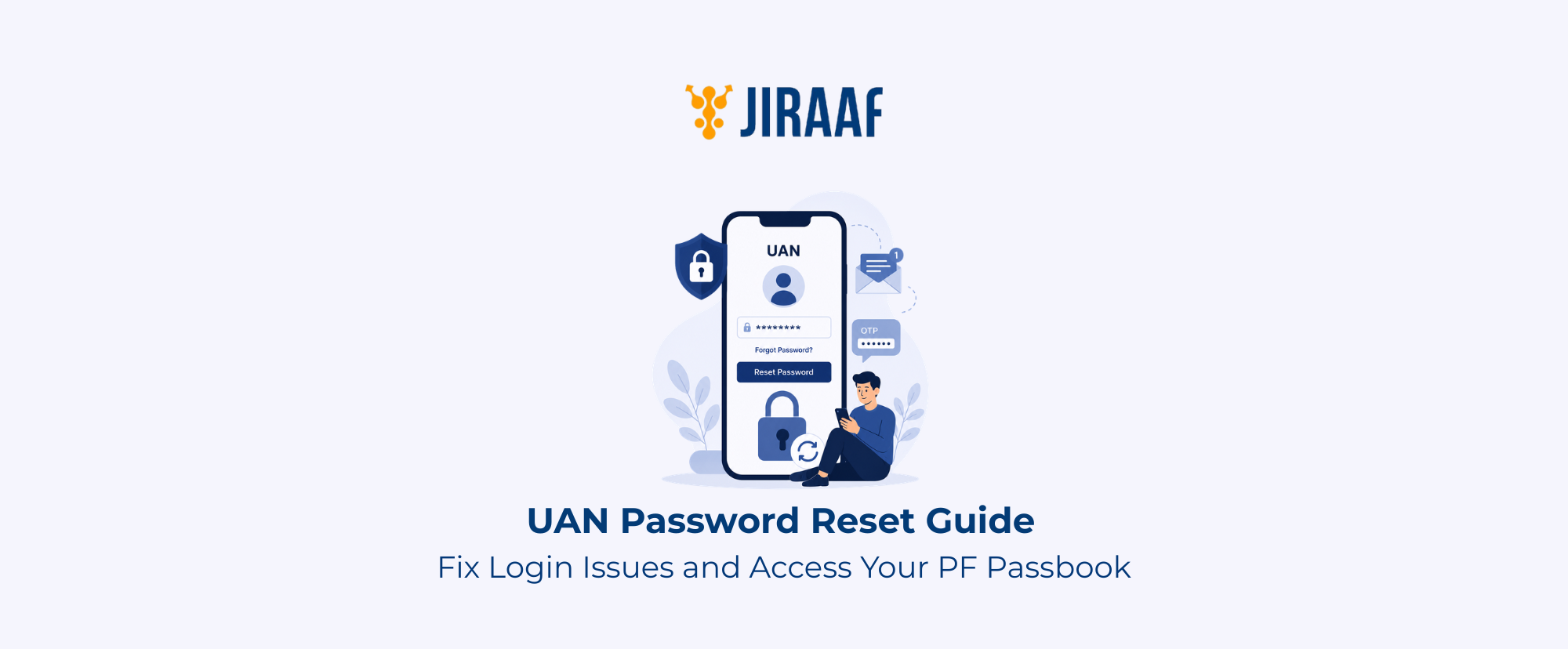
Summary: The UAN password gives you access to view EPFO account balances, download passbooks, manage KYC, and update account details. This guide explains how to change or reset your UAN password, activate your UAN, log in to the member portal, download your PF passbook, and solve common login issues.
Quick Overview
- The UAN Member Portal is where every EPF login happens, and it works only with an activated UAN, a working password, and a mobile number registered with EPFO
- Use the portal to check your PF balance, download your passbook, submit claims, update KYC, and manage your profile
- The PF Passbook Portal runs as a separate system
- A forgotten password can be changed online using OTP
- Login failures usually trace back to causes such as wrong credentials, an inactive UAN, delayed OTPs, pending KYC verification, or scheduled maintenance on the portal
- An EPF account stays reachable only when the UAN, Aadhaar, mobile number, and KYC records are all current, as a gap in any one of them can lock you out
Most salaried employees open their EPF account twice a year, sometimes less. A balance check before a loan, a passbook download for tax filing, a KYC update after a job change: these are the moments EPFO logins actually happen.
As logins are infrequent, you may not remember the UAN password. A UAN shows as inactive because nobody flagged it after a job switch. The difference between the UAN Member Portal and the PF Passbook Portal confuses members who expect one login to work everywhere.
This guide explains UAN and Member ID, shows you how to find your UAN, change or reset your UAN password, and download your PF passbook for uninterrupted access to EPFO services.
What is a UAN Number?
The Employees’ Provident Fund Organization (EPFO) is the government body that administers the employee provident fund (EPF) scheme and provides a unique 12-digit Universal Account Number, also called UAN, to every contributing employee. This number stays fixed for life and follows an employee across every job change.
Employers assign a different member ID tied to one specific job. A PF account number is an alphanumeric code that identifies your specific region, company, and employee ID. It functions interchangeably with your member ID.
Every job change creates a new member ID given by your employer, and the UAN links them all together. Five employers mean five member IDs sitting under one UAN. You can use the UAN password to access the EPFO account on the EPFO Member e-Sewa Portal.
Why UAN Login is Required
You need your UAN login to access your retirement funds or update your account. Only then can you access the following services:
- PF Balance & passbook: View total EPF balance and the full transaction history
- Claims: Submit online applications for fund withdrawals or job-to-job transfers
- KYC updates: Link and verify Aadhaar, PAN, and bank account details
- Profile management: Update contact information and file required e-nominations
How to Find Your UAN
Most employers print the UAN near the PAN or employee ID field, so a quick search through a saved payslip PDF can help find your UAN in seconds.
In case you don’t have a payslip, you can use the Know Your UAN tool on the EPFO portal.
- Visit the EPFO Unified Portal and click on Know Your UAN available in the “Important Links” section on the bottom right
- Enter the registered mobile number and the captcha, then request an OTP
- Enter your name, date of birth, and any one of the following: Aadhaar, PAN, or Member ID
- Click “Show My UAN” and the number displays on the screen immediately
Sending “EPFOHO UAN ENG” as an SMS to 7738299899 returns the UAN, name, and recent contribution details within seconds. A missed call to 9966044425 from the registered mobile number triggers an automatic SMS with the same information, though this only works once the UAN has been activated and linked to that number in the past.
You cannot search the UAN number using a name alone. Too many people share the same name across India, so a name-only search would risk exposing one member’s financial data to someone else entirely. The portal pairs the name with an OTP and a government ID to confirm ownership before revealing sensitive details.
How to Change or Reset Your UAN Password
A password reset takes two different paths depending on whether the current password still works. If you remember your password, update your credentials through the account dashboard. If you are locked out, you must use the full verification tool, which rebuilds access using Aadhaar and OTP checks.
Change Your Password (When You Know Your Current One)
- Log in to the EPFO member portal with the current UAN and password
- Open the Account menu in the top navigation bar
- Select “Change Password” from the dropdown
- Enter the existing password to verify identity
- Type the new password and confirm it
- Save the changes, and the update shall apply instantly
Reset a Forgotten Password (When Locked Out)
- Go to the EPFO Login Page and select “Forgot Password” below the login form
- Enter the 12-digit UAN, fill in the captcha, and click “Submit”
- Enter name, date of birth, and gender exactly as printed on Aadhaar, then select “Verify”
- Enter the Aadhaar number, accept the consent checkbox, and click “Verify”
- Enter the captcha and the mobile number linked to Aadhaar, then request an OTP
- Enter the OTP received on the phone and click “Verify”
- Create a new password, confirm it, and click “Submit”
UAN Password Requirements
EPFO rejects weak passwords outright. A valid password is 8 to 25 characters long and includes an uppercase letter, a lowercase letter, a number, and a special character such as @, #, $, or %. It is also case-sensitive.
Why Password Reset May Fail
Most UAN password reset failures occur for one of the following reasons:
- Mobile discrepancies: The phone number you currently use does not match the number registered against Aadhaar
- Aadhaar status errors: Aadhaar remains unverified or not linked to the UAN
- Verification blockers: OTPs fail to arrive, or the portal is down for maintenance
- Identity clashes: A small typo in the name or date of birth does not match the government records
- Setup issues: The employer has not finalized the Member ID, or the UAN itself is inactive
- Processing delays: Recent updates or pending KYC checks create a sync lag across regional servers
Best Practices for Securing Your Account
Setting a strong password is crucial when you change or reset the password for secure EPFO login. Some of the security tips are:
- Don’t use names, birthdays, and predictable strings like Password@123
- Never share an OTP over the phone or email, even with someone claiming to represent EPFO
- Change your password periodically
- Log in only through the official epfindia.gov.in website
How to Log in to the UAN Member Portal and Download Your PF Passbook
Logging in and downloading a passbook feels like the same action, but EPFO treats them as two separate systems.
Before You Begin
To download your PF passbook, you need an activated UAN, the current password, a mobile number registered against Aadhaar for OTPs, and an Aadhaar record verified by the employer.
Activate UAN Number
First-time users who just got a new account cannot log in on day one. You must activate your UAN first. EPFO moved UAN activation off the member portal in August 2025. The process now runs entirely through the UMANG app using Aadhaar face authentication.
- Install the UMANG app and sign in with a mobile number
- Search for “EPFO” under services
- Tap “Activate UAN”
- Enter the 12-digit UAN and the Aadhaar number linked to the EPF account
- Complete the live face scan when redirected to Aadhaar face authentication
- Set a password once verification clears
- Log in to EPFO services, including passbook access, KYC updates, PF transfers, and online claims
Log in to the EPFO Account
- Open the EPFO member interface portal
- Enter the 12-digit UAN and password
- Type the captcha exactly as shown
- Click “Sign In” to complete verification
- Navigate the dashboard to check profile history, link documents, or file claims
A captcha error rarely means the code was typed incorrectly. It usually means the image has expired. You may click “Refresh” for a new string rather than retyping the same one twice.
How to Download Your PF Passbook?
The member portal and the passbook portal run as two separate systems, one for profile and claims, the other strictly for financial statements. Switching between them means logging in twice.
- Go to the EPFO member passbook portal
- Enter the UAN, password, and a fresh captcha, then log in
- Select the Member ID for the company statement needed
- Click “View Passbook”, review the contributions, then “Download Passbook” to save a PDF
The UMANG App works as a shortcut around all of this. Search for the EPFO service card, select “View Passbook”, and verify with a mobile OTP.
A password reset may not reach the passbook portal right away. The sync can take a few hours, so an “Invalid Credentials” message right after a reset usually means you have to retry after waiting about 6 to 24 hours.
Common Login Problems
When you try to log in to the EPFO portal, you may encounter a few technical errors. Here are some common errors and troubleshooting ways:
| Issue | Cause | Solution |
| Incorrect credentials | Caps lock, a typo, or a password nobody’s used in months | Retype carefully. If it’s still failing, stop guessing and use “Forgot Password” |
| Locked account | Too many wrong attempts on the password or the captcha | The lockout lifts in 24 hours on its own, or an Aadhaar-OTP reset skips the wait |
| Inactive UAN | A number that exists on paper but was never registered | Activate through UMANG with Aadhaar face authentication |
| Changed mobile number | Aadhaar still has the old number | Update it in the Aadhaar dashboard before touching the EPFO login |
| Employer or KYC issues | Name or DOB doesn’t match, or KYC was left unfinished | Compare the details on your salary slip with your Aadhaar. Mismatch means a joint declaration form through HR |
| Captcha failures | Expired image or a case mismatch | Refresh it. Retyping the same code again won’t fix anything |
| Portal downtime | Traffic spikes or scheduled maintenance | Clear the cache, try early morning or late evening again |
If you encounter database errors that cannot be fixed online, such as two UANs accidentally assigned to your name, or a previous employer refusing to clear your account exit date, you must escalate the issue. Register a formal grievance ticket through EPFO’s official system. For live assistance, the national toll-free helpdesk takes calls at 1800-118-005.
Conclusion
Your EPF account is more than a place where your retirement savings accumulate. It also serves as a record of your employment history, employer contributions, and long-term financial security. Knowing how to access your account and resolve common login issues helps ensure these services remain available whenever you need them.
As EPFO continues to expand its digital services, managing your PF account online is becoming faster and more convenient. Keeping your Aadhaar, mobile number, KYC details, and UAN credentials up to date can help you make full use of these improvements while reducing the likelihood of future account access issues.